A Live Compositing Session
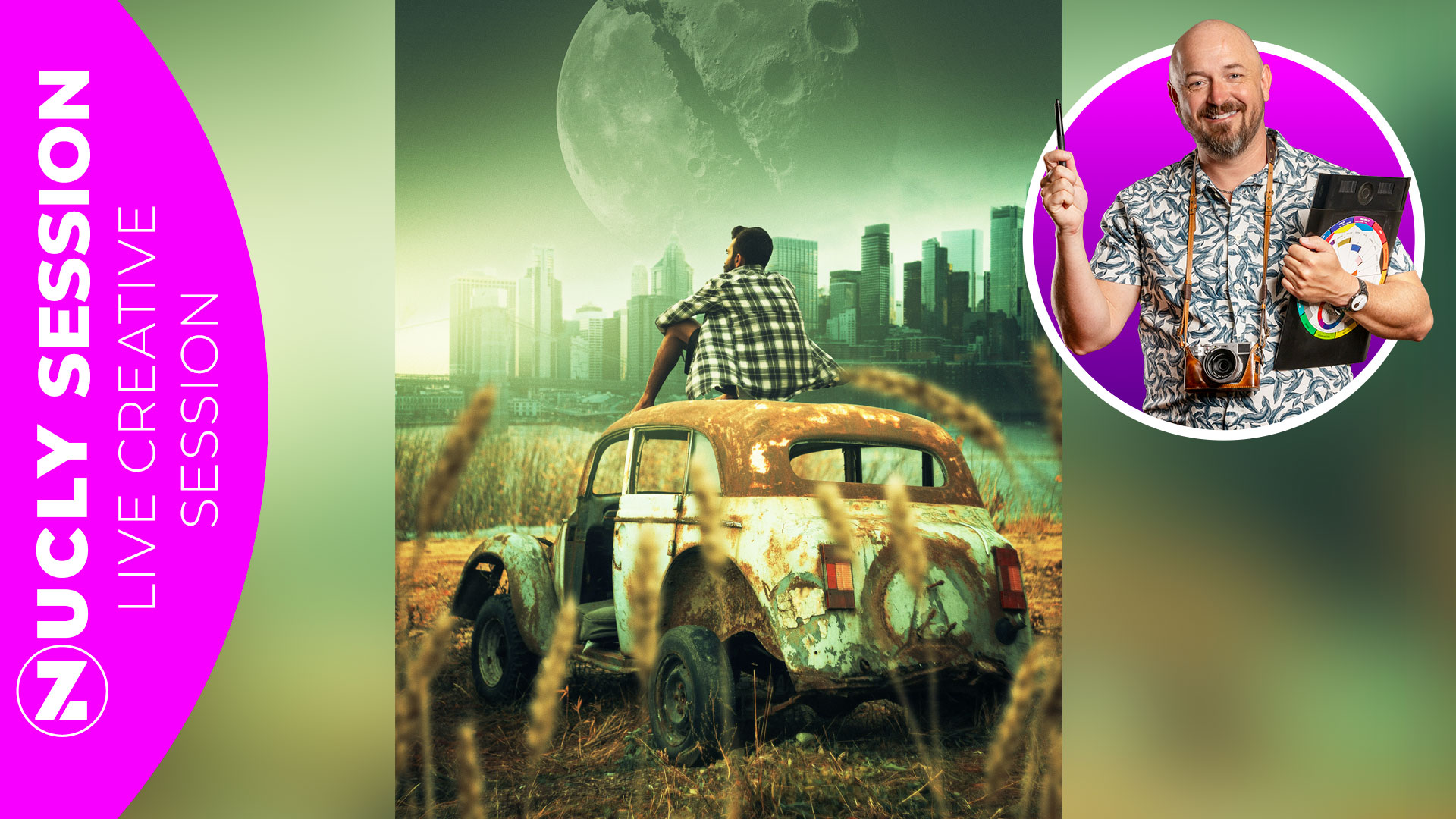
For years, one of the biggest requests I got was tutorials on how to blend realistically when doing composites. So many composites fall apart on this exact issue—elements combined that look like they don't belong together.
I put together the Color Matching Masterclass for exactly this (and if you want to deep dive into color theory and get FULL control of your color, I can't recommend it enough) but with the introduction of the Harmonize tool, Photoshop has made the process dramatically faster.
In this recorded live session, we don't just talk about the Harmonize tool—we put it to work. Starting with a collection of unrelated assets, we build a complete fantasy composite from the ground up while exploring how Harmonize handles color matching, lighting, atmosphere, and overall integration.
Along the way, you'll see where Harmonize shines, where it still needs a little help, and how to combine it with traditional Photoshop techniques to create a result that feels believable and cohesive.
Whether you're new to compositing or have been doing it for years, this session gives you a practical look at one of Photoshop's most powerful recent additions—all demonstrated inside a real-world project from start to finish.
BONUSES INCLUDED:
My go-to brush set — the ones I use for almost every project
Nucly actions — to speed up common workflows
Cinematic Adjustment Presets — these one-click presets will give your image a cinematic look. And I'll show you how to use them.