A Live Compositing Session
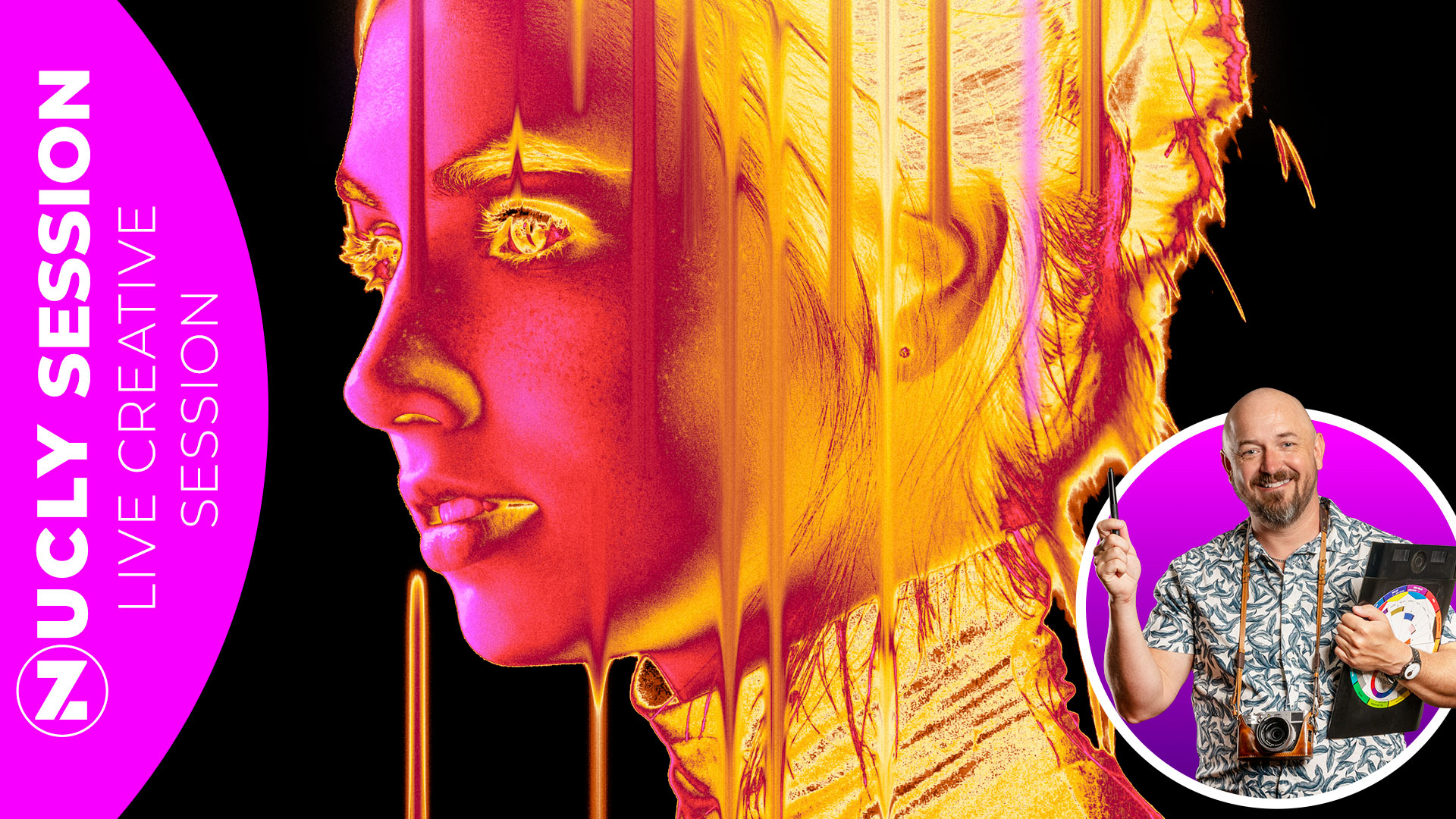
Reverse Engineering a Sci-Fi Movie Poster

Your Image

Learn how to analyze professional movie posters and recreate their visual style from scratch in Photoshop.

In this Complete Project Session, we begin by studying real theatrical key art, breaking down what makes it effective, and then reverse engineering the look using stock photography, custom Gradient Maps, dramatic lighting, cinematic typography, and stylized finishing effects.

Rather than showing only the polished result, you'll see the real creative process—including experimentation, course corrections, and the design decisions behind every step.

You'll Learn

  • How to analyze and reverse engineer professional movie posters
  • Building a custom thermal-style Gradient Map
  • Creating melting light streaks with the Smudge Tool
  • Adding glow, grain, atmosphere, and cinematic color
  • Matching fonts and recreating stylized movie-poster typography

Included

  • Full HD recording
  • All stock assets used
  • Custom Gradient Map preset
  • Movie title font
  • Bonus: Cinematic Adjustment Presets
  • Bonus: Blockbuster Titling Styles


Single Session: $29.99

Nucly Academy Members: Included free

Your Image

No Risk Guarantee!

Duis sem odio, aliquet in lobis in, porta eu tellus. Suspendis vel vestibul.

What Our Customers Say

Your Image

Duis sem odio, aliquet in lobortis in, porta eu tellus. Suspendisse vel vestibulum libero. Nunc turpis leo, convallis id sodales a, imperdiet sodales enim. Vestibulum cursus vehicula pulvinar. Morbi ullamcorper congue lectus.

Nicole Walters

NicoleWalters.com

Contact Information

Payment Options

Coupon

[[coupon_message.text]] [[cart_coupon.text]]

Payment Methods

PayPal selected.

After submitting, you will be redirected to the PayPal website to fill out your payment information. You will be redirected back to our site once the payment is completed.

Apple Pay selected.

Another step will appear to securely submit your payment information.

Google Pay selected.

Another step will appear to securely submit your payment information.

[[invoiceItem.description]]
[[subscriptionsByProductId[invoiceItem.product_id].plan_description]]
REMOVE
[[invoiceItem.quantity]] x [[invoiceItem.unit_price | currency]]
Subtotal:
[[checkoutContext.order.invoice.subtotal | currency]]
Tax:
[[checkoutContext.order.invoice.tax | currency]]
Shipping:
[[checkoutContext.order.invoice.shipping | currency]]
Discounts:
-[[checkoutContext.order.invoice.discount | currency]]
Total:
[[checkoutContext.order.invoice.total | currency]] (USD)