A recorded lesson on fixing the real problem
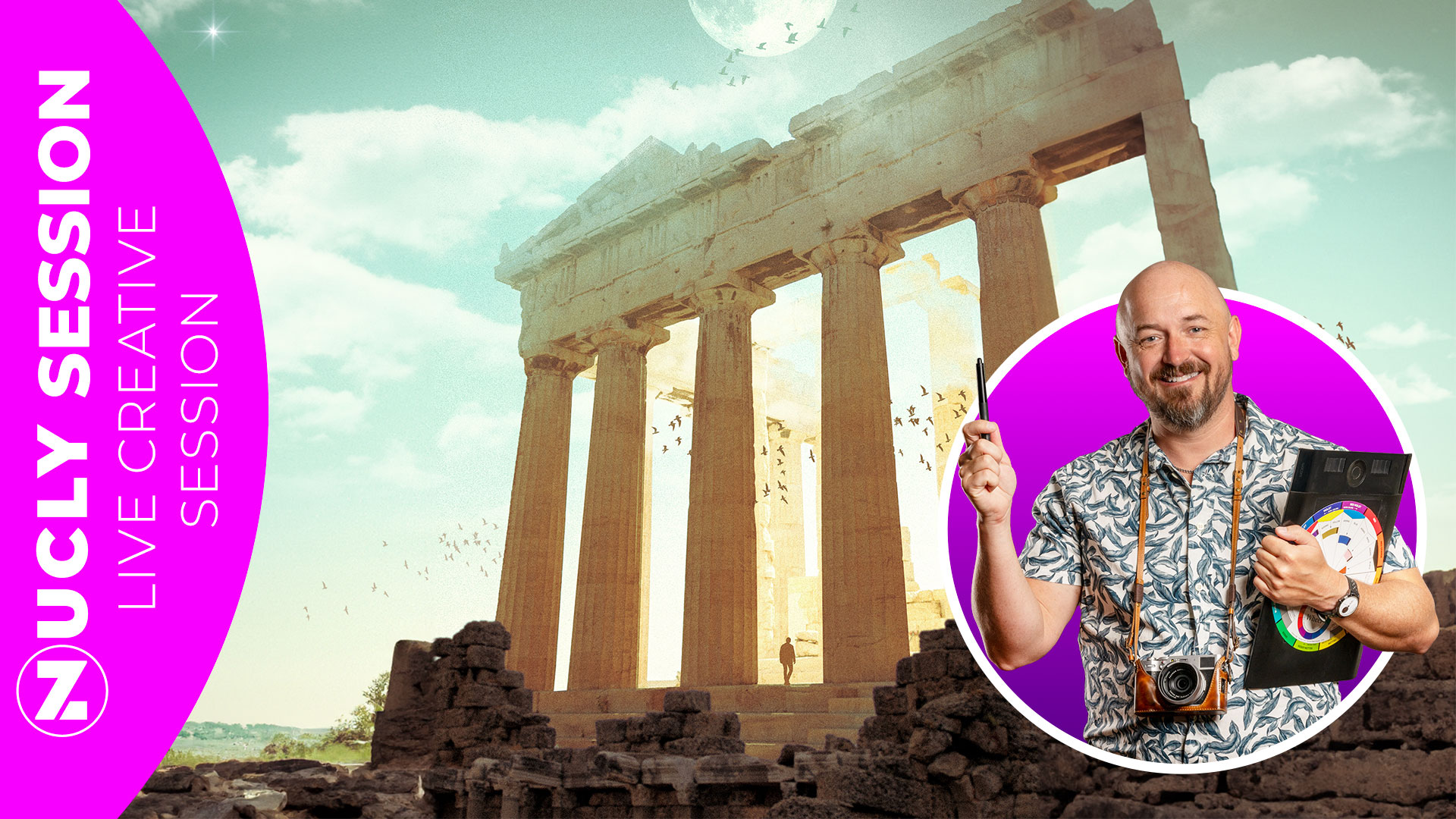
If you’ve ever finished a composite and thought…
“Why does this still look off?”
This is for you.
Not because you don’t know Photoshop.
But because the issue isn’t Photoshop.
This lesson was originally taught live—and it turned into one of those sessions where everything clicked.
Not just how to do something…
but why it works.
Now it’s available as a full recording you can go through at your own pace.
This isn’t a project-based walkthrough.
It’s a breakdown of the decisions that separate something that looks assembled from something that feels real.
You’ll see exactly where composites fall apart—and how to fix them without overcomplicating the process.
Why your images don’t quite match (even when they seem like they should)
The three-layer approach (foreground, subject, background) that instantly adds depth
How to use color as your “sauce” to unify everything
Why matching values matters more than matching color
How to control attention so people look exactly where you want
How atmosphere brings everything together
How to use grids—symmetrical and rule of thirds—to immediately improve balance and guide the viewer’s eye
Most tutorials focus on techniques.
This focuses on judgment.
Where to place things.
What to adjust.
What actually matters.
Because once you understand that… everything else gets easier.
BONUSES INCLUDED:
My go-to brush set — the ones I use for almost every project
Nucly actions — to speed up common workflows
Lens flare overlays — great for adding depth and blending elements together